

An email signature that makes the next contact easier
A name, a phone number and a useful link: your signature can help the conversation continue. How to choose the content and prepare a signature that reflects your business.
Published
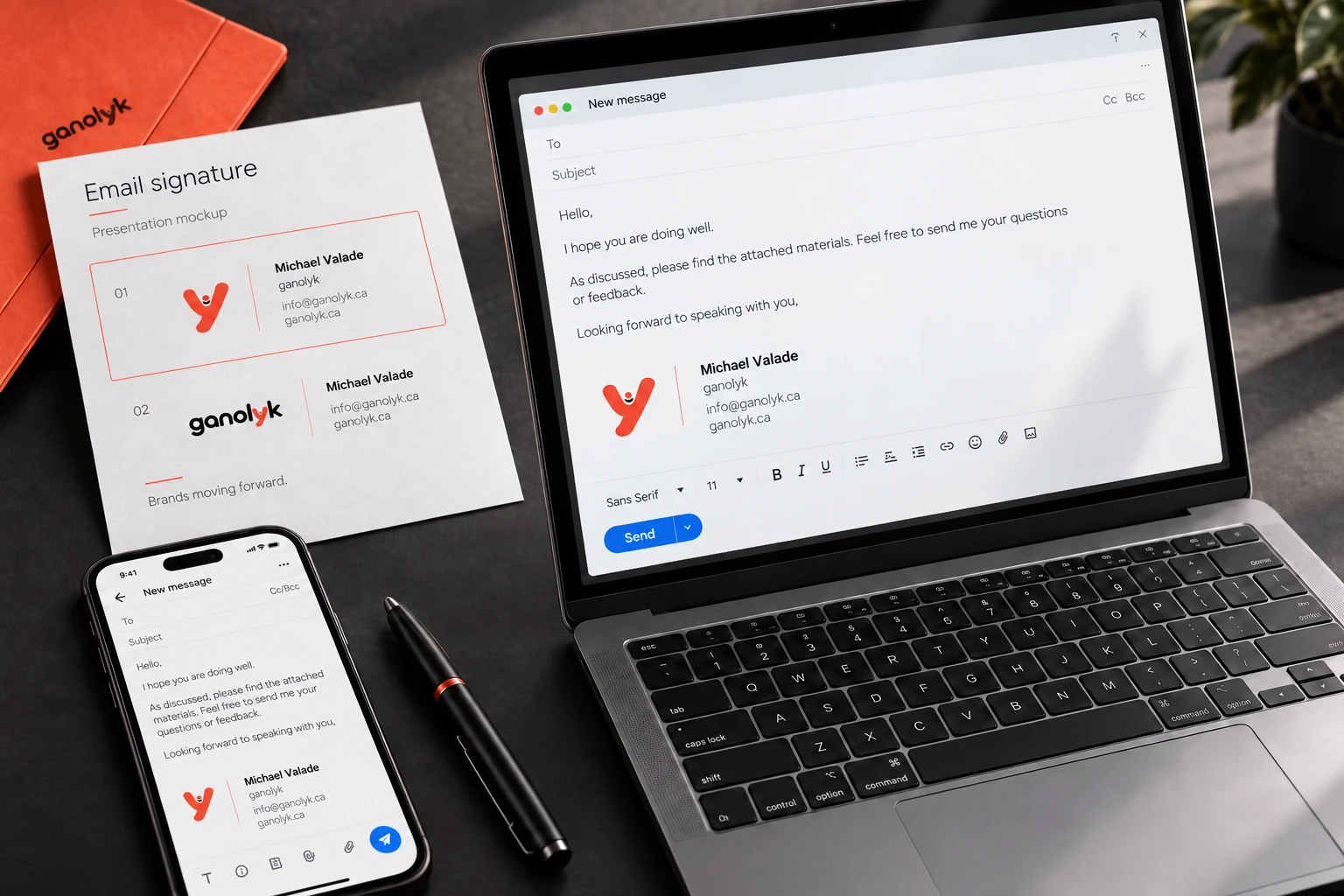
You have just sent a quote. Your customer wants to call you, check a service or forward your message to a colleague. A thoughtfully prepared signature puts the right contact details at the end of the email, when they are needed. That small, practical help is its starting point.
Put useful information first
Start with your name, role and business name. Add the phone number where you want to be reached and a link to your website. A physical address may be useful if customers visit you. The content should reflect how you work, not how many lines are available.
Read the contact details as if you were seeing them for the first time. An old number or a link to the wrong destination quickly undermines the value of the design. Plan to review the signature when your contact details, role or services change.
Choose an easy next step
Not every link needs to appear. A website, appointment page or project gallery may be enough, depending on the context. Give each destination a clear name. “See our projects” already explains what the person will find; an icon on its own can take more effort to interpret.
Keep a simple hierarchy between contact details and secondary invitations. Your recipient is primarily reading a message. The signature should help that exchange continue without asking them to choose between too many directions.
Consider the email as it is received
A signature is seen at the end of a real email, on a computer or a phone. Check text size, the readability of contact details and whether links work. Also see what remains understandable if images do not appear. Your name and contact information should remain easy to find.
Before delivery, explain which email tools you use and ask your questions about setting it up. That context helps clarify the expected result. A signature presents your contact details; creating a mailbox is a separate service.
Prepare your signature with ganolyk
Our custom email signature is available for $59 + taxes, in Canadian dollars. You provide your logo, information, contact details and the links to include. We prepare two visual proposals; you choose one. One round of adjustments to that proposal is included, followed by delivery of the final signature.
Any additional requests require an accepted quote before proceeding. When preparing your information, focus on the contact details and link that help your recipient. A signature that reflects your business starts with accurate information and an obvious next step.