
Redesign your website or improve what you have?
Outdated information does not call for the same work as a structure that has become confusing. Here is how to look at your website before deciding what comes next.
Published
You like your website less than you used to. The cause might be a visible detail, outdated content or a deeper problem. Before deciding to rebuild everything, describe what bothers you and what your customers actually experience. That first look gives the discussion a concrete starting point.
Look at the website as a new customer
Open your home page on a phone. Find a service, look for the area you serve and try to contact the business. Ask someone unfamiliar with your company to follow the same path. Notice their hesitations and questions without explaining where to click. Record specific facts rather than a general impression.
For example: “The phone number is old,” “I cannot find the commercial service,” or “The form gives no confirmation.” These observations help distinguish a content correction, a navigation problem and something that needs repairing.
Improve what still works well
If the organisation still makes sense and the pages explain the right services, targeted changes may be appropriate. Replacing photos, shortening an introduction, updating contact details or making the contact option clearer may address the problem you identified.
You still need to check how the website was built and what can be changed. A request that looks small does not always mean a small intervention. Available access and the existing structure are part of the assessment before agreeing on the work and price.
Rethink the structure when the business has changed
A redesign becomes more relevant when corrections accumulate without addressing the underlying issue. You have added services, changed your customer base or expanded your service area, but the menu still describes the old business. Visitors then have to piece together an offer scattered across several sections.
The work begins by organising the information again. You decide what stays, what belongs together and what deserves its own page. The design supports that path. Changing colours alone does not resolve an offer that is difficult to understand.
Plan the transition and your priorities
Keep an inventory of current pages and addresses, useful content and ways to get in touch. If a page address changes, plan how to direct visitors using the old link. Also check forms and contact details before launch. A redesign does not guarantee a higher Google ranking.
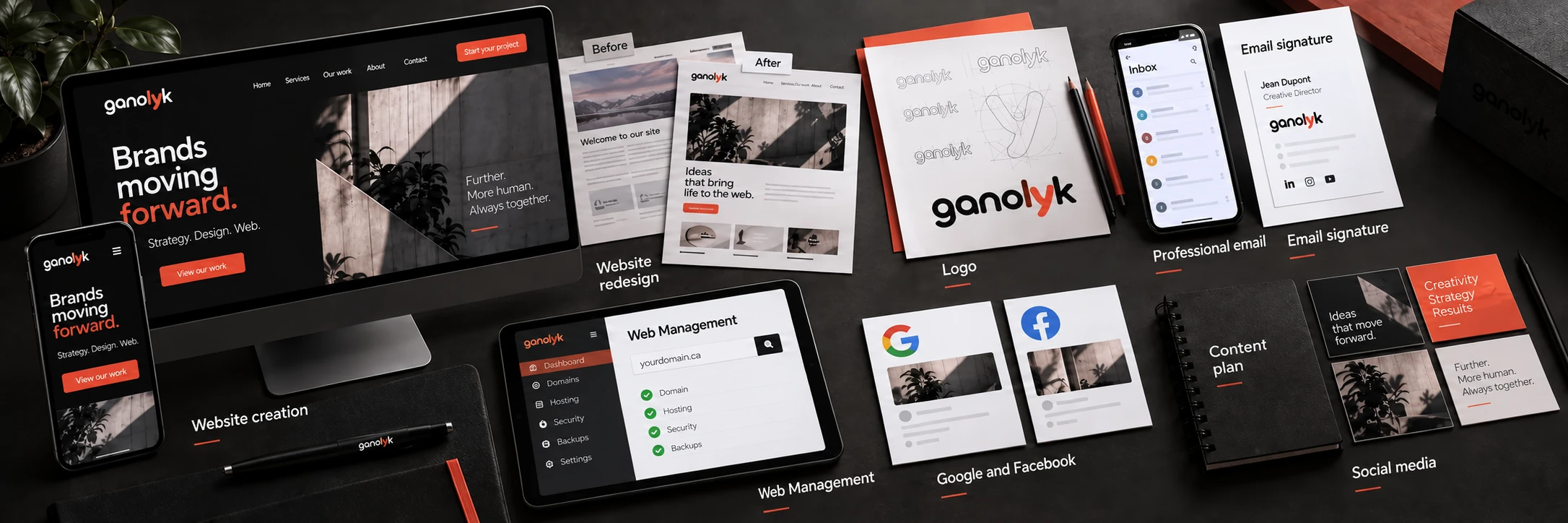
At ganolyk, we can start by reviewing your website and priorities to define a suitable scope. Read about our approach to redesigns, then bring a few concrete examples of what you want to improve. The decision becomes easier when each change addresses an identified need.