People visit your website, but few request a quote?
The issue may be visibility, the audience you reach or the steps towards contacting you. Our method for finding what actually needs attention.
First, check that inquiries are being counted
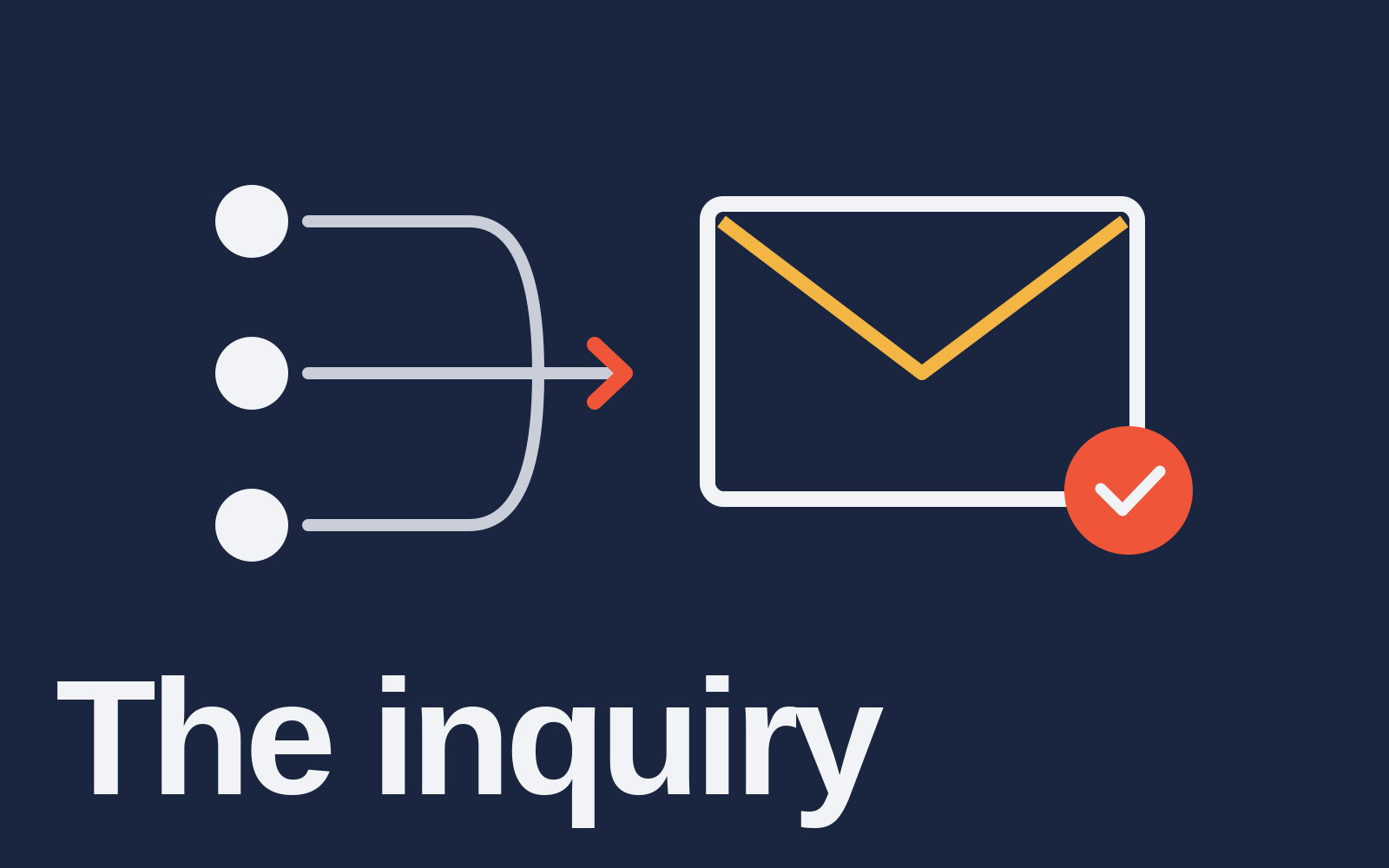
“My website gets visitors, but it brings me nothing.” Before changing its colours or ordering a redesign, open the inquiries you actually received. Check your inbox, spam folder, phone messages and quote records. A misrouted or overlooked inquiry can make it seem as though the website is not working.
Check what your report calls a conversion too. A click on Call does not confirm a call. A form event might measure an attempt rather than a received message. Our website statistics guide helps separate these measures before you make a decision.
Separate low traffic from a difficult journey
A few visits each week provide limited evidence of how well a page persuades people. One inquiry can make a percentage change substantially. Start with the volume and source: Google searches, social posts, advertising or direct access.
We suggest sorting the situation into three cases:
- Few relevant visits: work on the visibility of the service and its local presence.
- Visits from the wrong audience: clarify your trade, service area and the work you accept.
- Relevant visits without contact: examine the offer, supporting evidence and steps needed to reach you.
These cases call for different work. A new form cannot solve the absence of interested visitors.
Check that the page answers the right request
Consider a fictional example: a contractor wants bathroom renovation projects, but the page mainly attracts people seeking emergency repairs. Traffic can increase without bringing suitable projects. The content needs to specify what is offered, who it serves and the area covered.
On a service page, try to answer four questions promptly: what work do you do, where do you work, which projects are suitable and how can someone request a quote? A person arriving directly from Google should find these answers without going through the home page.
Look at the searches associated with that page when Search Console is available. A phrase related to your trade can still express a different intention.
Try the journey on an actual phone
Open the page on a phone using an ordinary connection. Find the service, look at a completed project, then try to reach the form. Is the menu readable? Does a pop-up cover the button? Do images shift the content while it loads?
Google recommends assessing the overall page experience, including mobile use. A speed score can guide the review, but we also check the actual journey. A button that loads quickly but is hard to find still leaves a problem to solve.
Make the next step clear and straightforward
A “Request a quote” button describes a more specific action than a vague “Learn more”. Its supporting text can explain what information is useful and what happens next. Only promise a response time you can meet.
For an initial conversation, we recommend asking for the details needed to qualify the project. Detailed drawings or billing information can sometimes wait. The W3C recommends simple forms with identifiable fields, instructions and understandable error messages.
Also test the submission confirmation and receipt of the message. If the form fails, the visitor should understand what to do and retain the information already entered.
Provide evidence that matches the service
To build confidence, choose a completed project close to the visitor’s needs: the work performed, its constraints and photos you are allowed to publish. A testimonial should reflect a real person’s experience. Avoid broad guarantees your business cannot substantiate.
Follow-up after delivery can also address a concern. At Ganolyk, the LYKOS client portal lets customers view their requests and recorded work. Changes can follow a process with an estimate, approval and a preview. These concrete elements help explain how the relationship continues after launch.
Change one thing, then observe
Choose a specific hypothesis: “The service area is too hard to find” or “The form fails on a phone”. Record the change and its date. Then compare relevant inquiries over consistent periods, allowing for seasonality and campaigns running at the time.
With a small audience, a before-and-after comparison does not establish that a change caused an increase. Conversations with prospects matter too: did they understand the offer, find the right page and receive your reply? A verified technical fix can be useful even before there is enough data to measure its commercial effect.
A check to repeat each month
- Choose an important service page and review its visits.
- Read the offer and service area as someone discovering the business.
- Test contacting the business on a phone and confirm receipt.
- Compare received inquiries with inquiries relevant to your work.
- Record one improvement and the date of the next check.
A website audit can help prioritize the checks. If you already know what needs changing, see how to prepare a change request and estimate. The right scope depends on the observed problem; a full redesign deserves a decision based on concrete evidence.
Where should you start on your website?
Share its address and the kind of inquiries you want to receive. We can review the path towards those inquiries.